Digital art guide
A digital artwork is a system as much as an image
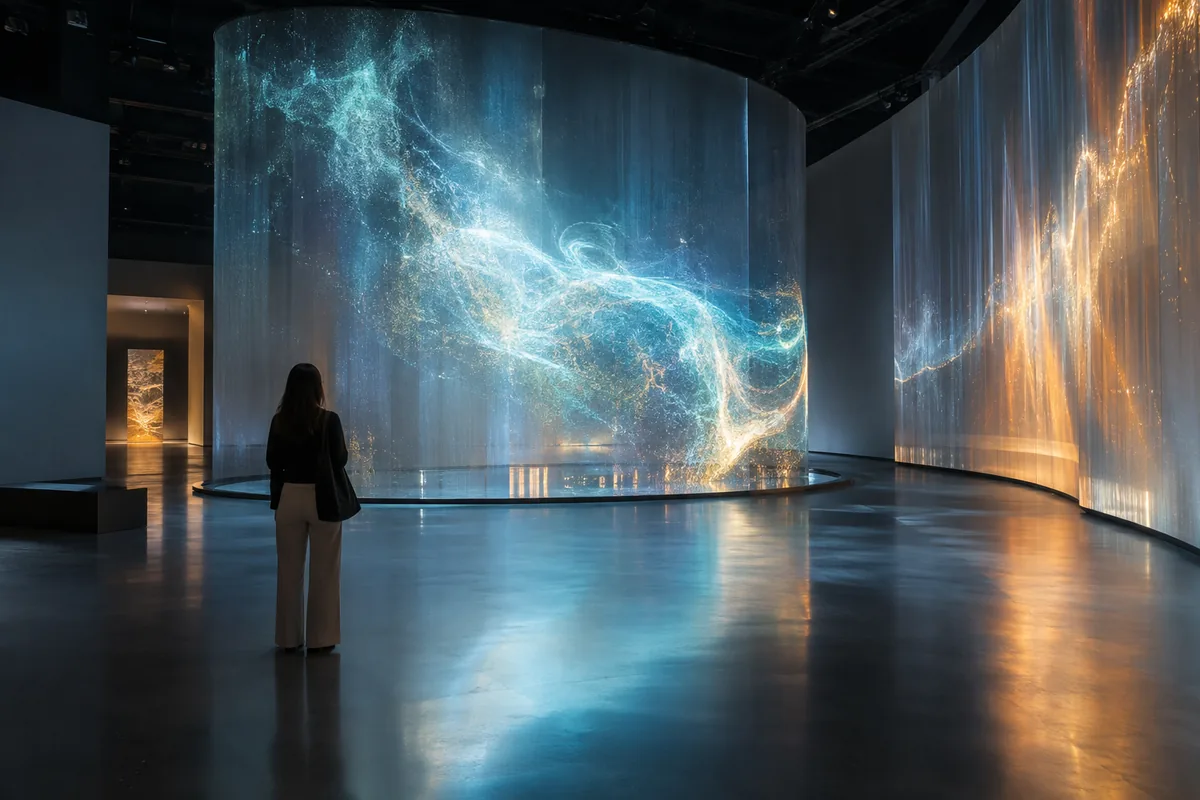
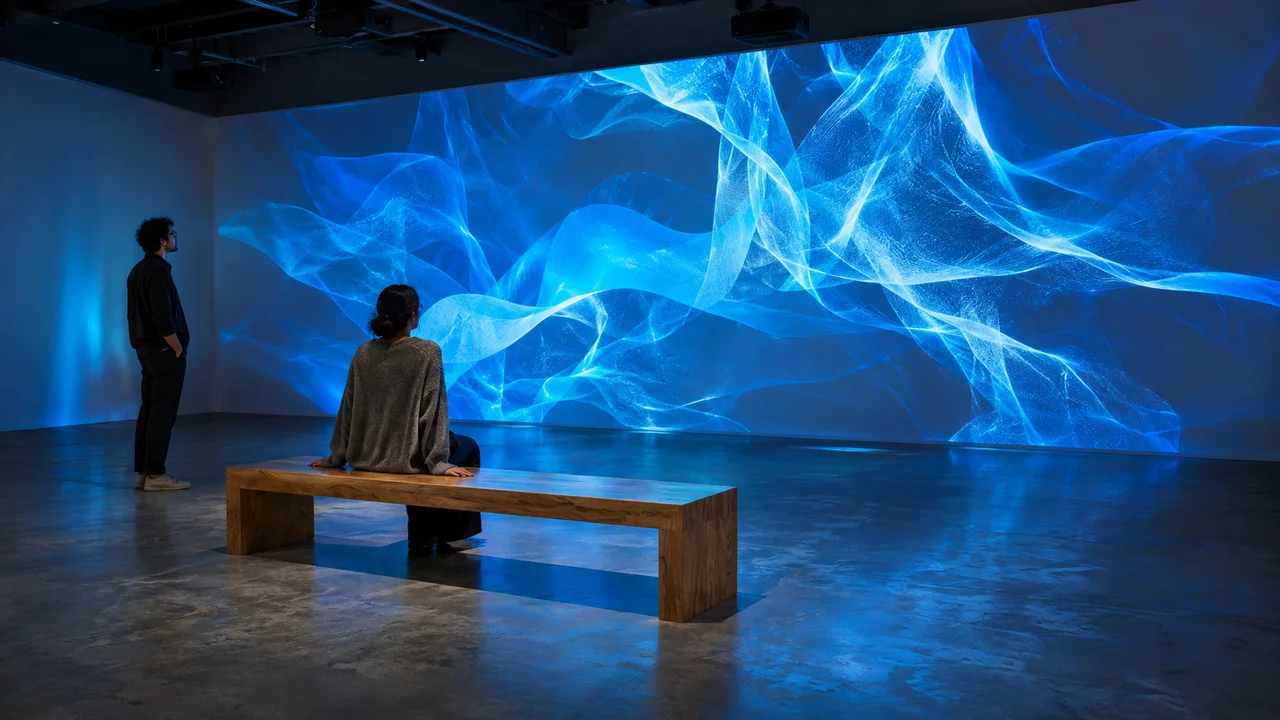
Digital art can involve software, data, sensors, screens, networks or projection. Technology is not separate from the subject: it organizes form, time and the audience relationship.
To understand a work, observe what remains stable and what varies. An image may be calculated live, respond to presence, evolve with data or depend on obsolete equipment.
Art guide
Three ways to look
A guide to computed images, interactive installations, networked works and immersive environments without reducing art to its technology.

Rule and variation
Identify the instructions, data or behaviours that generate the work, then watch what changes from one moment to the next.
Interface and participation
A sensor, touch screen or movement may turn visitors into triggers, interpreters or data within the system.
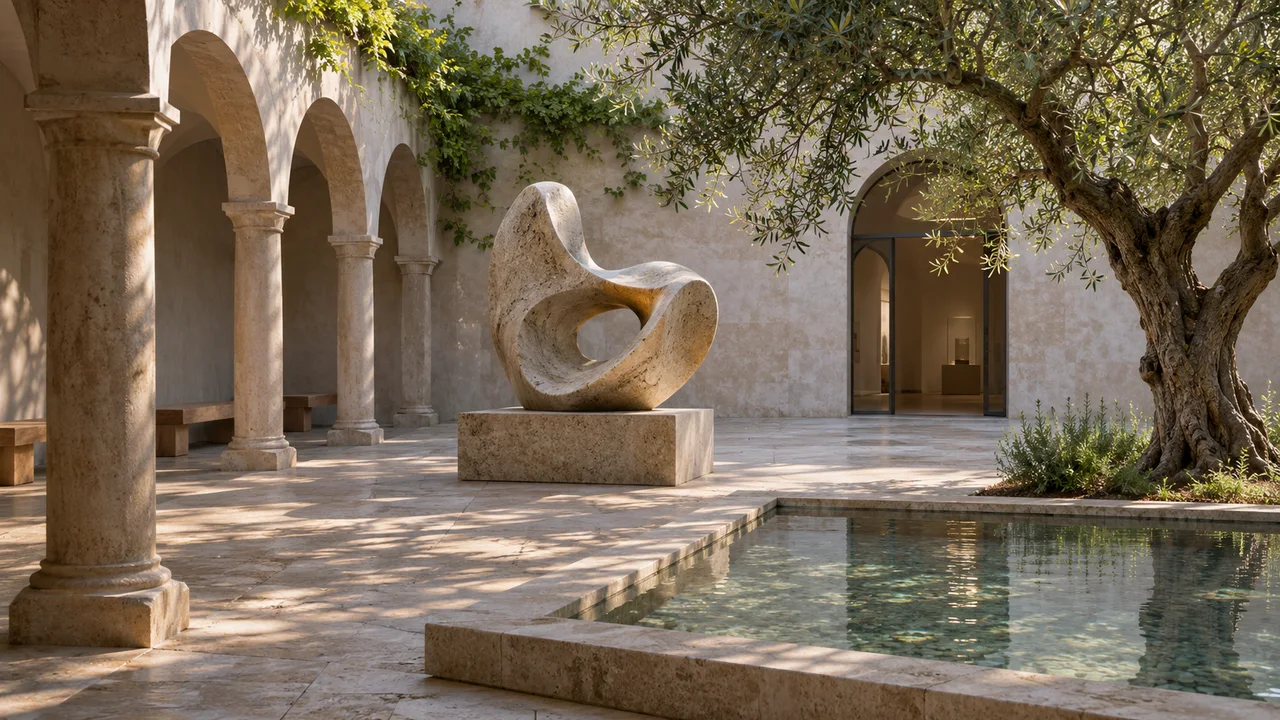
Material and infrastructure
Screens, cables, projectors, servers, sound and architecture remain physical and shape the experience.
Digital art guide
Read a digital installation in four stages
- 01
Watch before interacting
Observe a complete cycle and identify autonomous changes before touching or moving.
- 02
Find the inputs
Ask what the system receives: motion, voice, image, public data, time or visitor choices.
- 03
Connect code and sensation
Describe colour, rhythm, sound, scale and space, then ask how the program produces them.
- 04
Consider duration
Distinguish loop, real time, archive and continuous evolution; each changes the work’s status.
Glossary
Essential digital-art vocabulary
Six terms for reading labels and understanding systems.
- Generative art
- Work produced by rules that create variable forms or behaviours.
- Real time
- Computation and output occurring during the experience rather than being fully prerecorded.
- Interactivity
- A system’s capacity to change state in response to an action or data. Observe an action, the response and any delay separately. A changing image alone does not establish audience control; check the documented inputs and operating conditions.
- Immersion
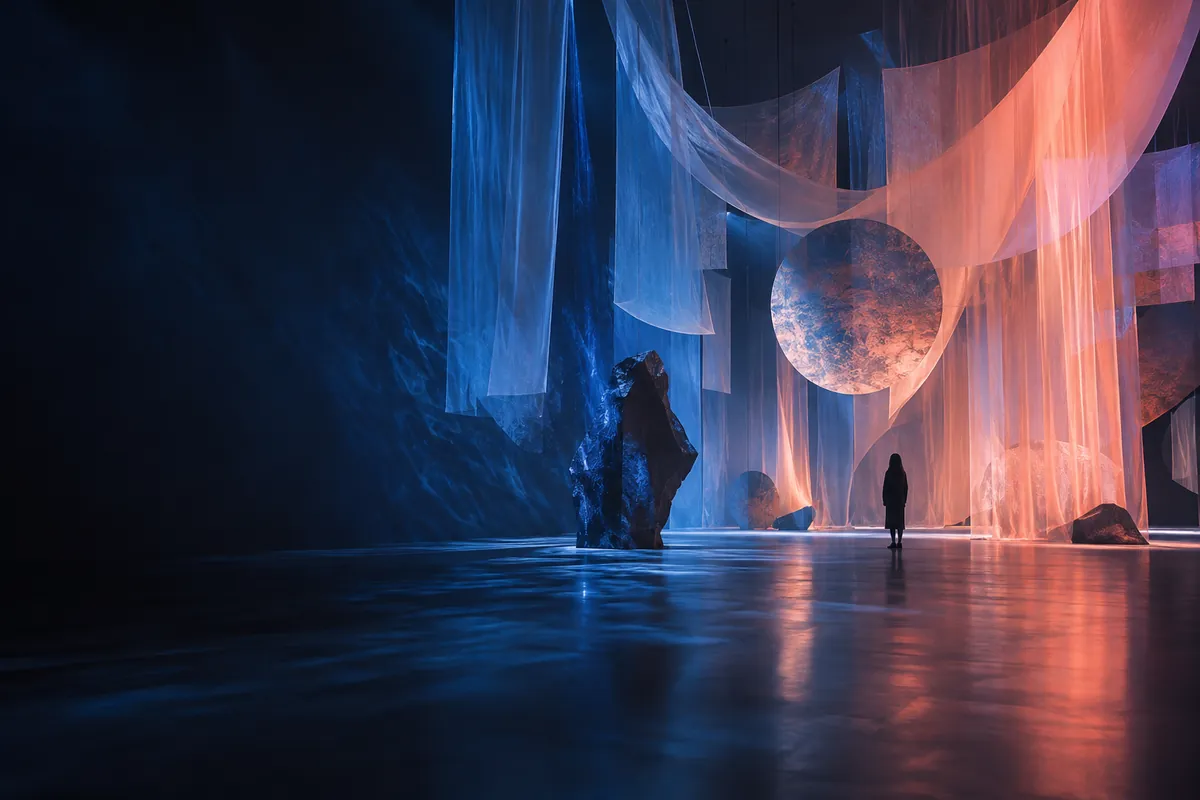
- A setting that surrounds perception through image, sound, space or extended reality.
- Software
- Executable instructions that may be the core, a component or a version of a work.
- Obsolescence
- Loss of hardware or software compatibility requiring migration, emulation or documentation.

Digital art guide
Frequently asked questions about digital art
Understand digital art through generative images, code, interaction, extended reality, conservation and institutions presenting these practices.
01Is a digital artwork only a file?
No. It may combine code, hardware, an installation protocol, data, networks and audience behaviour.
02How does a museum conserve interactive art?
It documents the system, stores components and decides with the artist whether migration or emulation preserves the work.
03Can artificial intelligence be an artistic medium?
Yes, when an artist treats data, models, rules, bias and staging as formal and meaningful decisions.
04What should I check before visiting?
Use the official source: installations may run at fixed times, require booking or be temporarily unavailable.